

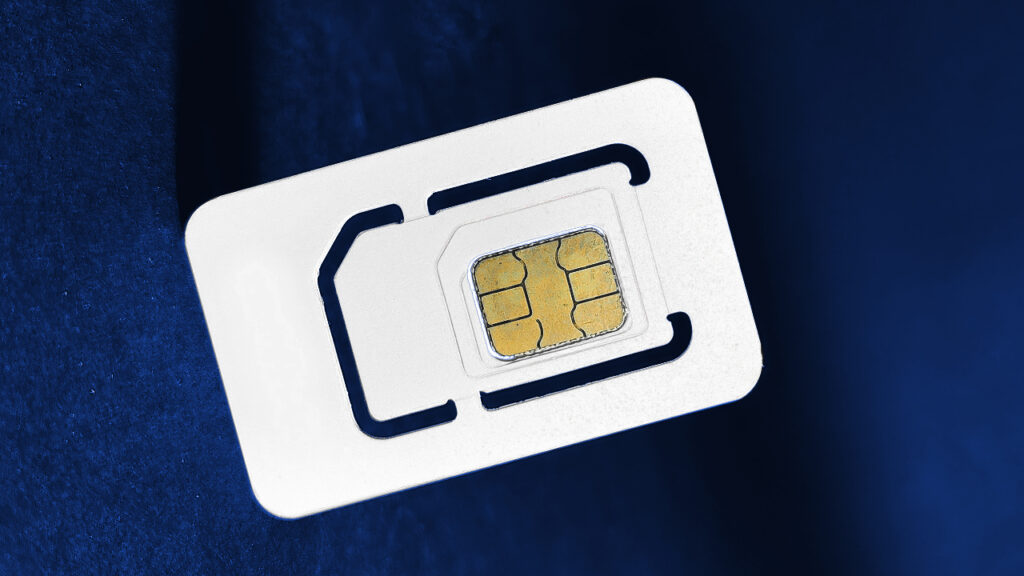
With the ever-growing convenience of online services, registering a mobile SIM card has become much simpler than it used to be. For residents in the United Kingdom who want to use a Globe SIM, visiting a physical store in the Philippines may seem impractical or even impossible. Fortunately, Globe Telecom has streamlined the registration process, allowing UK residents to complete their SIM registration remotely. This guide will walk you through every step to ensure your Globe SIM is activated and compliant with regulatory requirements without leaving the comfort of your home.
Why SIM Registration Is Necessary
SIM registration is a legal requirement in the Philippines. Globe Telecom, like other carriers, requires users to provide personal information and valid identification to activate a SIM card. This measure aims to improve security, reduce SIM-related fraud, and ensure accountability in mobile communications. UK residents who plan to use a Globe SIM for international travel, calling the Philippines, or online verification purposes must register their SIM even if they are overseas. Failure to register may result in service interruptions or deactivation.
For those looking for a hassle-free approach, the Globe registration sim process can now be completed online, eliminating the need to visit a store. This feature is particularly useful for expatriates, frequent travelers, and overseas workers who want to maintain a Philippine mobile number for personal or professional use.
Preparing Your Documents
Before initiating the online registration process, ensure you have the necessary documents ready. Globe requires:
- A valid ID: For UK residents, this can be your passport or any government-issued ID that clearly shows your full name and birthdate.
- Globe SIM card details: The SIM card number, usually printed on the SIM itself or on the packaging, is essential.
- Personal information: This includes your full name, date of birth, and contact information.
Having these documents on hand will make the registration process smoother and faster. Double-check that all scanned copies or photos of your IDs are clear, legible, and free of glare. Poor quality images may delay the verification process.
Steps to Register a Globe SIM Online
Globe Telecom has an official online portal that allows users to register their SIM cards remotely. The steps are straightforward and can be completed in just a few minutes:
- Visit the Globe website: Open the Globe Telecom registration page dedicated to SIM card registration. This is the safest and most reliable method to ensure your data is securely submitted.
- Enter your SIM details: Input your SIM card number and other requested information. Double-check the number to avoid errors that could invalidate your registration.
- Upload your identification documents: Follow the instructions to upload a scanned copy or a photo of your ID. Make sure the file meets the required format and size as specified on the website.
- Provide personal details: Fill out your full name, date of birth, and current UK address. This ensures your Globe account is correctly linked to your identification.
- Submit your registration: Once all the information is correctly entered, submit your registration form. Globe typically sends a confirmation via email or SMS to notify you that your SIM registration is being processed.
Verification and Approval
After submission, Globe will review your documents and personal information. Verification typically takes a few hours but may extend up to 24–48 hours, especially for overseas applicants. Once verified, you will receive a confirmation message indicating that your Globe SIM is successfully registered and ready for use.
It’s important to note that any discrepancies in your submitted documents or incorrect information can delay the approval process. If your registration is rejected, Globe usually provides instructions on how to correct the errors and resubmit the application.
Troubleshooting Common Issues
Some UK residents may encounter difficulties during online registration. Here are common issues and how to resolve them:
- SIM not recognized: Ensure that the SIM card is active and properly inserted into your device. If the SIM is new, try inserting it into a compatible phone and ensure it powers on.
- ID not accepted: Verify that your ID is valid, not expired, and clearly scanned. Globe may reject documents that are blurry or partially cropped.
- Delayed confirmation: If you don’t receive confirmation within 48 hours, check your email spam folder and contact Globe customer support. They can provide updates and assist with any verification issues.
Using Your Globe SIM in the UK
Once your SIM registration is complete, you can start using your Globe SIM internationally. Most Globe SIM cards support roaming, allowing you to make calls, send texts, and use data while in the UK. Be sure to check Globe’s international roaming rates and packages to avoid unexpected charges.
For users who frequently travel between the UK and the Philippines, registering your Globe SIM online ensures that your number remains active and compliant with Philippine regulations. Additionally, having a registered SIM allows you to use Globe’s online services, such as Globe At Home, GCash, and other mobile banking options.
Security Tips for Overseas Users
When registering and using your Globe SIM abroad, follow these security tips:
- Use secure networks: Avoid public Wi-Fi when submitting personal information for SIM registration. Use a trusted network to protect your data.
- Keep your ID safe: Retain a copy of your identification for future verification or account recovery.
- Enable account protection: Use Globe’s mobile app or online portal to set up account alerts, PINs, or two-factor authentication to prevent unauthorized access.
Conclusion
Registering a Globe SIM without visiting a store is now entirely feasible for UK residents, thanks to Globe Telecom’s online registration system. By following the steps outlined above and ensuring that your documents are ready and accurate, you can activate your SIM card remotely and enjoy seamless mobile services both in the Philippines and abroad.
Online registration not only saves time but also guarantees compliance with Philippine regulations, allowing you to maintain a functional mobile number while overseas. Whether you need it for communication, banking, or verification purposes, registering your Globe SIM online is a convenient and reliable solution for UK residents.
